

Davinci Resolve (VS the World's softwares)
- Thread starter Dark74
- Start date
You are using an out of date browser. It may not display this or other websites correctly.
You should upgrade or use an alternative browser.
You should upgrade or use an alternative browser.


Kosh
AVClub Fanatic
Kosh
AVClub Fanatic
Kosh
AVClub Fanatic

Kosh
AVClub Fanatic
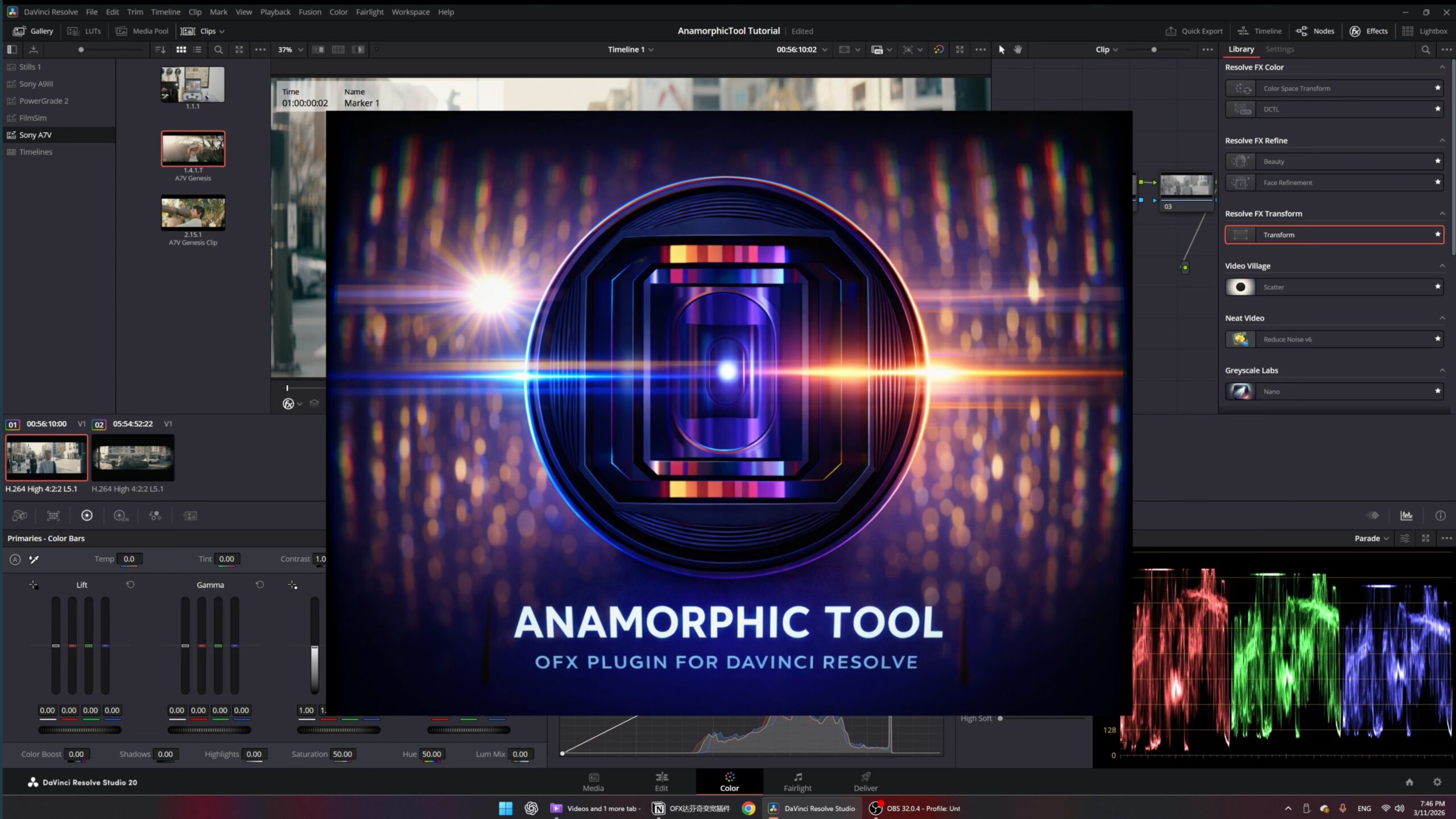
AnamorphicTool Launched – Two OFX Plugins for DaVinci Resolve Fixing Optical Issues and Adding Anamorphic Lens Characteristics | CineD
AnamorphicTool is a two-plugin OFX suite for DaVinci Resolve offering anamorphic lens correction and vintage lens emulation
 www.cined.com
AnamorphicUtility v1.0
Three anamorphic utility effects applied in a fixed pipeline order (Sharpen → Edge Compression → Alignment):- Anamorphic Sharpen: X-axis unsharp mask targeting horizontal lens softness; None/Low/Mid/High/Custom presets; clamp-to-edge sampling prevents white fringing at frame boundaries
- Anamorphic Edge Compression: Relative displacement warp for correcting anamorphic edge squeeze; None/Low/Mid/High/Custom presets
- Grid Line: Optional guide overlay for Edge Compression tuning; dense, thick, symmetric lines shown only in impacted edge areas
- Anamorphic Alignment: Corner-pin / homography-based skew correction using normalised coordinate space
- Quality Settings: Draft, Normal, and High quality modes
- GPU Acceleration: Metal on Apple Silicon; CUDA on NVIDIA GPU (RTX 20+); CPU fallback
Kosh
AVClub Fanatic

AutoCut Plugin now Integrates AI Directly Into Premiere Pro to Automatically Handle Time-Consuming Tasks | CineD
AutoCut is an AI editing plugin for Premiere Pro and DaVinci Resolve with 10 features including silence removal, captions, and best-take selection
www.cined.com
AutoCut AI Plugin – Save Hours on Premiere Pro & DaVinci Resolve
AutoCut is the AI plugin for Premiere Pro & DaVinci : instantly remove silences, add captions, auto-zoom, B-rolls and more.
Kαι για το Premier Pro


NassosT
Supreme Member
- 17 June 2006
- 5,519
Ναι!Καλησπέρα.
Μπορώ με μια άδεια το DaVinci Resolve να το τρεχω και στα Win και στο MacOS ?
Kosh
AVClub Fanatic