Can Scarlett Solo 3rd Gen get connected to monitors with RCA inputs
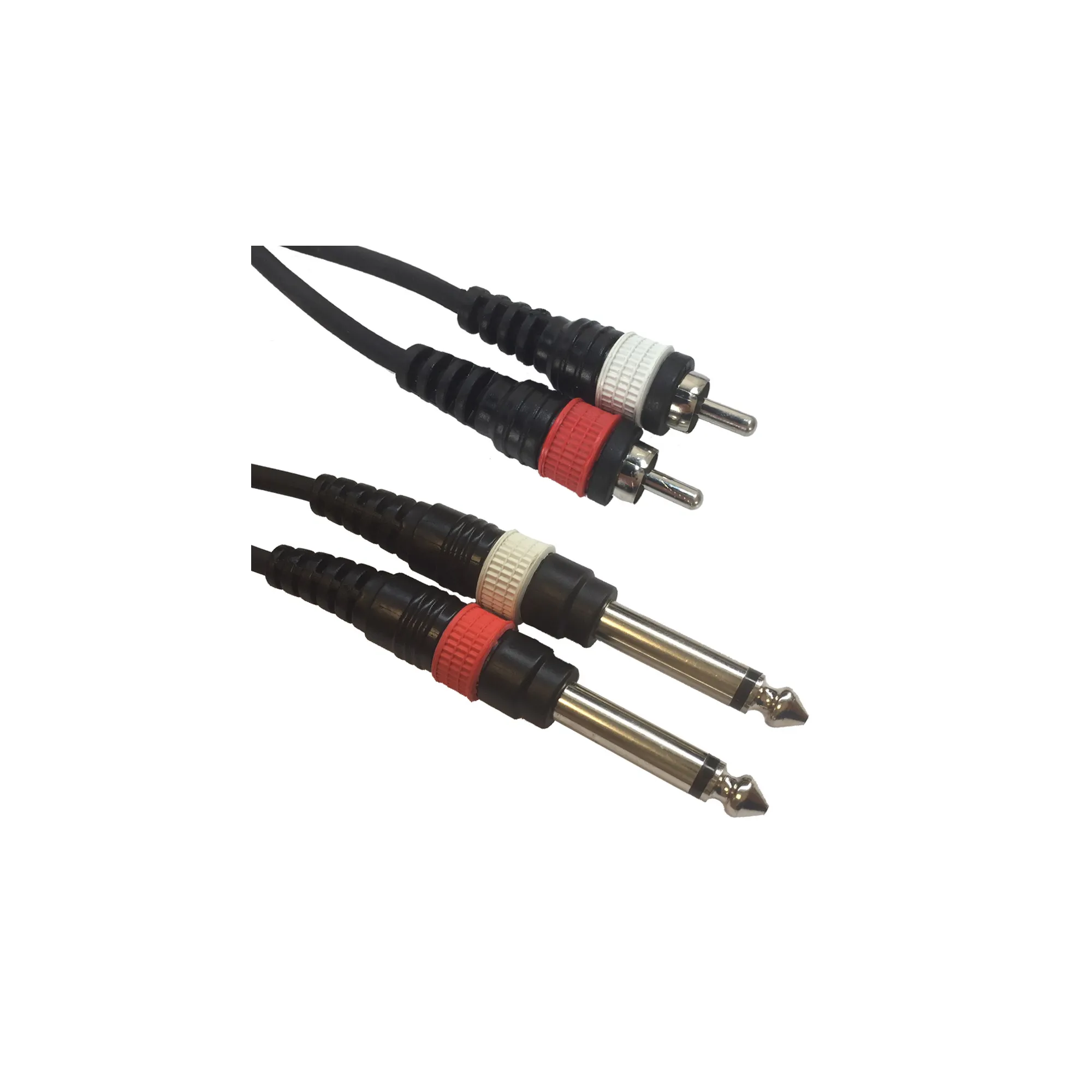
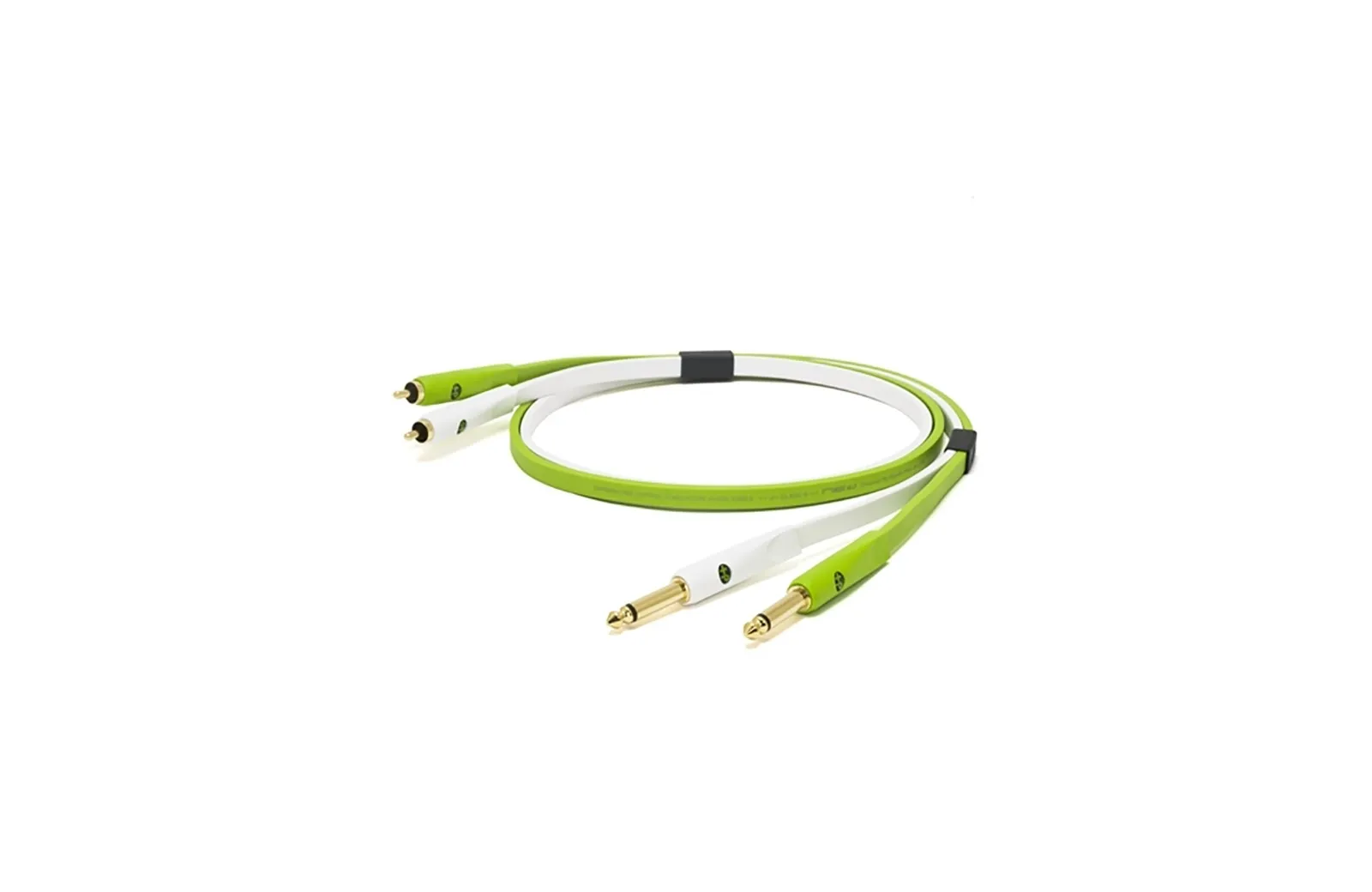
Yes, the Scarlett Solo 3rd Gen can connect to monitors with
RCA inputs by using appropriate
1/4" jack to RCA cables.
Connecting with RCA Cables
The Focusrite Scarlett Solo 3rd Gen has two balanced 1/4" TRS jack outputs on the rear panel. While balanced TRS connections are recommended for best quality, you can use unbalanced cables, such as those with RCA connectors, to connect to consumer-grade monitors or Hi-Fi amplifiers that have RCA inputs.
- Cable Type: You will need two cables, each with a 1/4" TS (unbalanced) or TRS jack on one end and an RCA plug on the other.
- Connection:
- Connect the Left 1/4" jack from the Scarlett Solo to the left (typically white) RCA input on your monitor.
- Connect the Right 1/4" jack from the Scarlett Solo to the right (typically red) RCA input on your monitor.
- Potential Interference: Using unbalanced RCA connections may mean you hear some interference or noise, especially over longer cable runs. Keeping the cables as short as possible can help mitigate this.
- Volume Control: The Scarlett Solo's front panel Output dial will control the level sent to both the main outputs and the headphone output simultaneously. You may need to adjust the volume directly on the monitors as well.
In summary, you can use 1/4" TS-to-RCA cables for this connection, though for optimal performance and noise rejection, balanced connections (TRS to TRS, or TRS to XLR if your monitors support it) are generally preferred if available.
can Scarlett Solo 3rd Gen change its output from +4 dBu to -10 dBV?
No, the
Scarlett Solo 3rd Gen does not have a hardware or software switch to change its output reference level between +4 dBu (professional) and -10 dBV (consumer).
While many higher-end interfaces include a "Reference Level" setting in their control software, the Scarlett Solo's output is variable and controlled solely by the physical Monitor knob on the front panel.
Key Technical Details
- Variable Output: The line outputs are electronically balanced and have a maximum output level of +15.5 dBu at 0 dBFS.
- Manual Adjustment: To approximate a -10 dBV signal for consumer gear (like RCA-input monitors), you must manually lower the Monitor knob on the front of the interface until the signal level is appropriate for the receiving device.
- Software Limits: The Focusrite Control software for the Solo allows you to change sample rates and the "Air" setting but does not offer an option to toggle output voltage standards (+4/-10).
Comparison of Output Levels
| |
| Maximum Output Level (0 dBFS) | +15.5 dBu |
| Output Type | Balanced 1/4" TRS |
| Control Type | Analogue physical knob |
| Switchable Reference Level | No |
If you are connecting to equipment that strictly requires a -10 dBV signal and you are experiencing clipping even with the knob turned down, you may need an external line level shifter or a passive attenuator.