

Davinci Resolve Updates
- Thread starter evanfotis
- Start date
You are using an out of date browser. It may not display this or other websites correctly.
You should upgrade or use an alternative browser.
You should upgrade or use an alternative browser.

speedman_27
Supreme Member
Που το διάβασες;Oπου ναναι θα βγει και η 20,2 (η επομενη) με πολλα νεα εργαλεια σε επιπεδο σοκ.....
Kosh
AVClub Fanatic

Kosh
AVClub Fanatic
Βγηκε
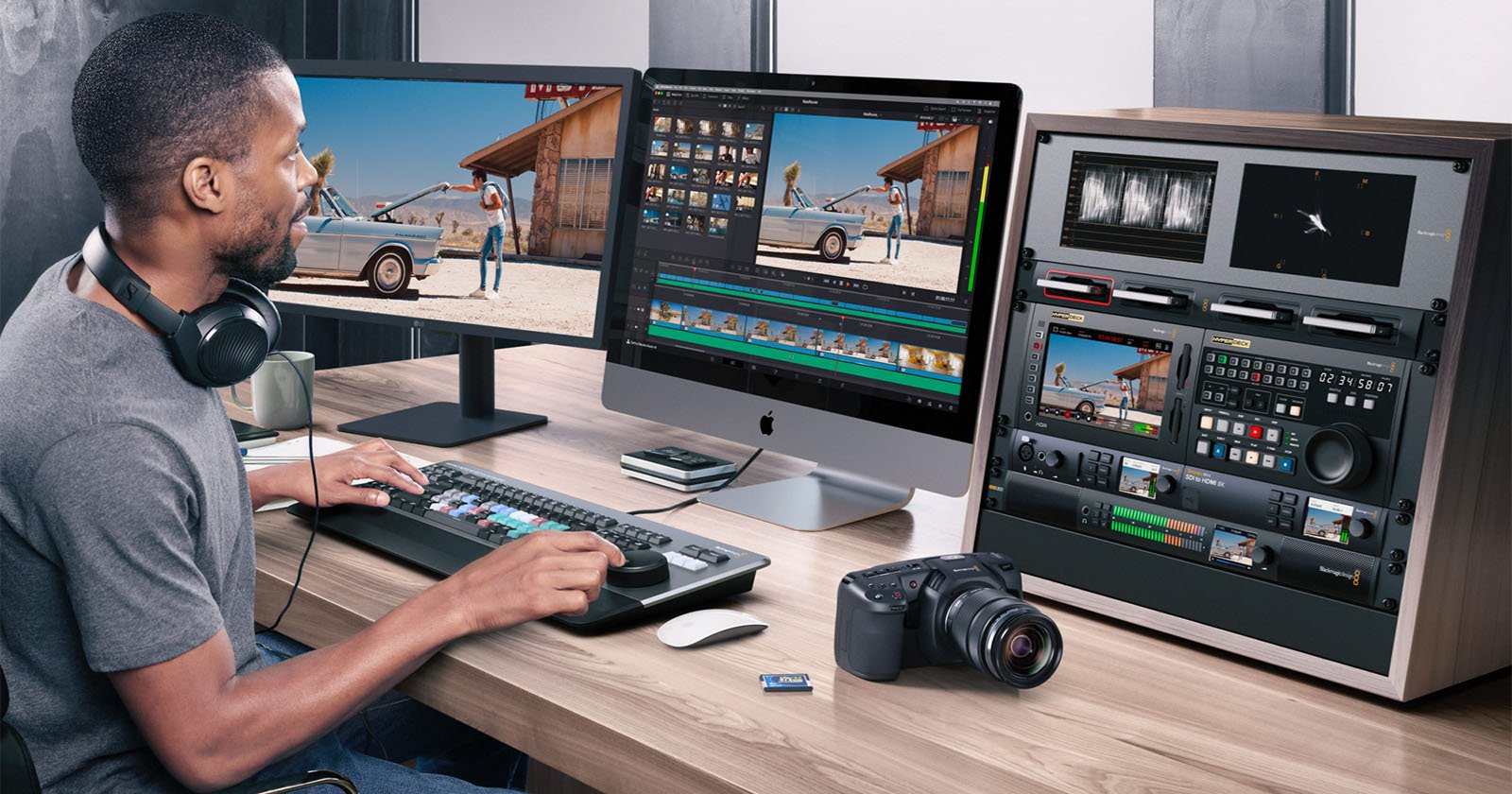
 petapixel.com
DaVinci Resolve's New ProRes RAW Support Makes it the Best Color Grading Software
Massive news in the video editing community.
Kosh
AVClub Fanatic
What's new in DaVinci Resolve 20.2
The following features have been added or updated.URSA Cine Immersive Workflow
- Streaming from Fusion page to Vision Pro.
- Support for immersive option in PanoMap.
- Support for immersive world pose rotations and flips.
- Render stereoscopic 3D as full side by side or top-bottom.
- Node stack support for stereoscopic 3D workflows.
- Support for immersive EXR workflows.
Cut Page
- Improved replay stinger transition handling in interlaced timelines.
- Improved replay editor and ATEM switcher feedback cueing replays.
Edit Page
- Sync lock controls ripple edit independently from auto select.
- Improved ripple trimming now preserves sync for edit actions.
- The trim editor now automatically displays when dynamic trimming.
- User preference to switch to single viewer mode for trim editor.
- Improved source and destination patching in the track header.
- Timeline audio menu action to detach synced audio from video.
- Support for adding and populating custom metadata fields.
- Support for flattening multicam clips with speed changes.
- Audio track solo support for the source timeline viewer.
- Source track destination sub menu action to reset to default state.
Cut & Edit page
- Menu actions to move selected keyframes up down left and right.
- Curve and keyframe editor in timeline now includes actions toolbar.
- Shift click keyframe editor headers to toggle multiple parameters.
- Alt click keyframe editor headers to toggle parameters exclusively.
- Guides support individual colors and lock states.
- Switch between pixel and percentage when adding or editing guides.
- Mouse priority for Fusion, transform and effect overlays over guides.
- Voice over countdowns now support audible beeps.
- Editing now preserves audio bus automation.
- Option to ripple delete silence for selected clip.
- Up to 2x faster transcriptions on macOS.
- Up to 2x faster voice convert analysis on macOS.
Fusion page
- Support for editing custom guides in Fusion viewers.
- Improved MultiText alignment and transformation controls.
- Support for animated image inputs for USD tools.
- Multilayer support for 3d renderer.
- Multilayer AoV channel support for USD renderer.
- Up to 2x faster surface tracker performance.
Color page
- New AI based Resolve FX Cinematic Haze.
- Resolve FX light effects support glow from alpha sources.
- Menu action to navigate clips using clip number.
- Ability to reset node color for multiple selected clips.
- Advanced color panels persist side panel states after restart.
- Improved HLG viewer output when using viewer display profiles.
- RCM and CST now use ITU BT.2408 for HLG and PQ conversion.
- Up to 2x faster Resolve FX surface tracker performance.
Fairlight page
- Project settings option to disable soft fades between clip edits.
- Project settings option to set ramp-to-play time.
Codecs & I/O
- Support for decoding Apple ProRes RAW clips.
- Support for encoding Samsung APV clips.
- Support for decoding Sony ARW images.
- Support for ARRICORE clips.
- Single frame webp and gif clips are now imported as stills.
General Improvements
- Press and hold c key to skim playhead on viewers.
- Exported DRT timelines now include linked Fusion comp media.
- Support for current date and time tags in data burn and render.
- Scripting API support for adding subtitles in render jobs.
- Scripting API support for setting timeline and media pool clip name.
- General performance and stability improvements.
Kosh
AVClub Fanatic

Blackmagic Finally Adds ProRes RAW to DaVinci Resolve and Pocket Cinema Camera - Y.M.Cinema Magazine
Blackmagic adds ProRes RAW to DaVinci Resolve. After years of requests, filmmakers finally get the workflow flexibility they asked for.
 ymcinema.com
Aκουγεται οτι η ολο αυτο συνέβη γιατι η Atomos πίεσε την apple να αφήσει το license fee μιας και η ΒΜ δεν υπήρχε καμία περίπτωση να τα σκάσει (μιλάμε για την εταιρεία που έβγαλε δικό της raw compressed για να αποφύγει περιπέτειες με την RED ) μιας και το format πέθαινε και δε το υποστήριζε σχεδόν κανένας.
Επί της ουσίας είναι ενα δωρεάν φιλί της ζωής απο την ΒΜ μπας και διασωθεί το PRORES Raw.
Αν εχεις τωρα DSLR και Atomos τότε το καλύτερο που μπορεις να γραψεις ειναι apple PRORES RAW.
Σε σχέση όμως με ένα RAW spec το οποιο ειναι color tuned στον σένσορα της κάμερας που το γράφει δεν έχει καμία σχέση. Επίσης δεν έχει βασικά options σαν format σε σχέση με BRAW, REDRAW και ARRIRAW.

- 26 March 2008
- 6,041
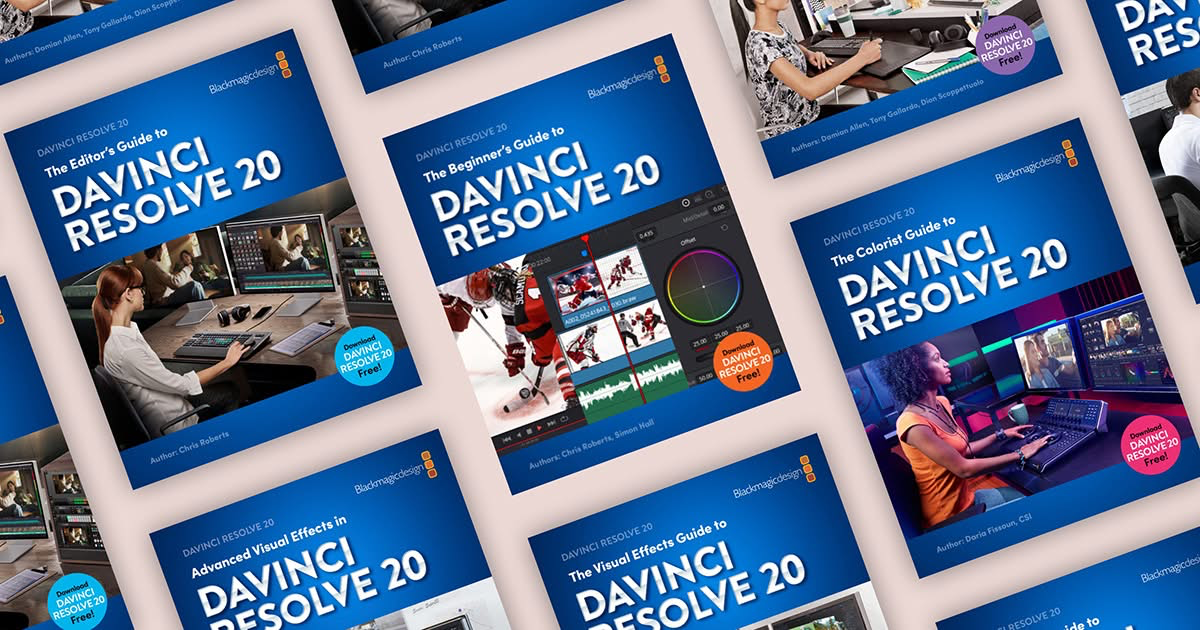
New DaVinci Resolve 20 training books now available!
These step by step training guides are for both new and existing users. Using a project based approach, you will discover how to edit a sophisticated trailer for a documentary feature, grade your film using DaVinci Resolve’s legendary color correction tools, enhance your soundtracks with Fairlight and build custom visual effects using Fusion.
With The Beginner’s Guide to DaVinci Resolve 20, you’ll learn how to:
• Edit your own projects using industry standard editing tools.
• Normalize audio levels and automatically mix music using the new Ducker track effect.
• Read video scopes to adjust contrast, color balance and saturation.
• Create secondary corrections using Color Warper and Color Slice.
• How to set up projects, sync and manage audio files.
In The Editor’s Guide to DaVinci Resolve 20, you’ll discover how to:
• Use advanced editing and trimming techniques for different genres.
• Set up and manage complex projects using smart bins and metadata.
• Automatically generate transcriptions to jump-start your editing.
• Use trimming tricks and real time dynamic trimming.
• Apply multi camera syncing and editing techniques.
The Fairlight Audio Guide to DaVinci Resolve 20 will show you how to:
• Navigate and customize the Fairlight interface.
• Work with the Fairlight Sound Library.
• Create and edit dialogue, music and sound effects tracks.
• Record voiceover, ADR and Foley tracks.
• Work with audio track layers to stack, split and build a composite.
In The Colorist Guide to DaVinci Resolve 20, you’ll learn how to:
• Balance and match footage using primary grading tools.
• Analyze and color correct images with the help of scopes.
• Track people and objects with windows and magic masks.
• Migrate XML timelines and roundtrip workflows.
• Work with nodes to create sophisticated grades.
The Visual Effects Guide to DaVinci Resolve 20 includes information on how to:
• Composite using nodes.
• Combine optimal takes with the split screen technique.
• Track objects using the point tracker and planar tracker.
• Compose with multi layer PSD files.
• Create green screen compositing with the delta keyer and clean plate.
In Advanced Visual Effects Guide to DaVinci Resolve 20, you learn how to:
• Enhance live action environments with 3D particles.
• Use multiple keyers for advanced green screen keying.
• Use Magic Mask to save time rotoscoping.
• Work seamlessly with 3D assets.
• Set up 3D scenes with cameras, lights and depth of field.
These books are designed for both beginners and professionals. Beginners will find clear and concise lessons to get you up and running quickly. If you’re a professional switching to DaVinci Resolve, you’ll find lessons that cover everything from the basics to working with audio, adding text, effects, and more. You’ll also find dozens of pro tips and tricks that will help you make the switch to DaVinci Resolve! �
Download now for free fromDaVinci Resolve – Training | Blackmagic Design
Professional video editing, color correction, visual effects and audio post production all in a single application. Free and paid versions for Mac, Windows and Linux.bmd.link

Kosh
AVClub Fanatic

NassosT
Μέλος Σωματείου
- 17 June 2006
- 5,532
Το Reference Manual είναι 4.234 σελίδεςΩραίο το τζάμπα, αλλά με περίπου 3.500 σελίδες συνολικά μάλλον δεν θα προλάβω να τα διαβάσω όλα σε αυτήν την ζωή - γέρος άνθρωπος πλέον...

Αλλά είναι αυτό που λέει ο τίτλος: αν ψάχνεις να βρείς τι ακριβώς κάνει μια συγκεκριμένη λειτουργία, το συμβουλεύεσαι.
Και αν κάποιος δυσκολεύεται με τόσο διάβασμα, μπορεί να παρακολουθήσει τα 5ήμερα (x4 ώρες ημερησίως, δωρεάν, μέσω Zoom) μαθήματα της BlackMagic, όποτε τα διοργανώνει (είχε μέσα στον Αύγουστο).μονο το Begginer's πρεπει να διαβασει καποιος που ενδιαφερεται να ξεκινησει.
Kosh
AVClub Fanatic
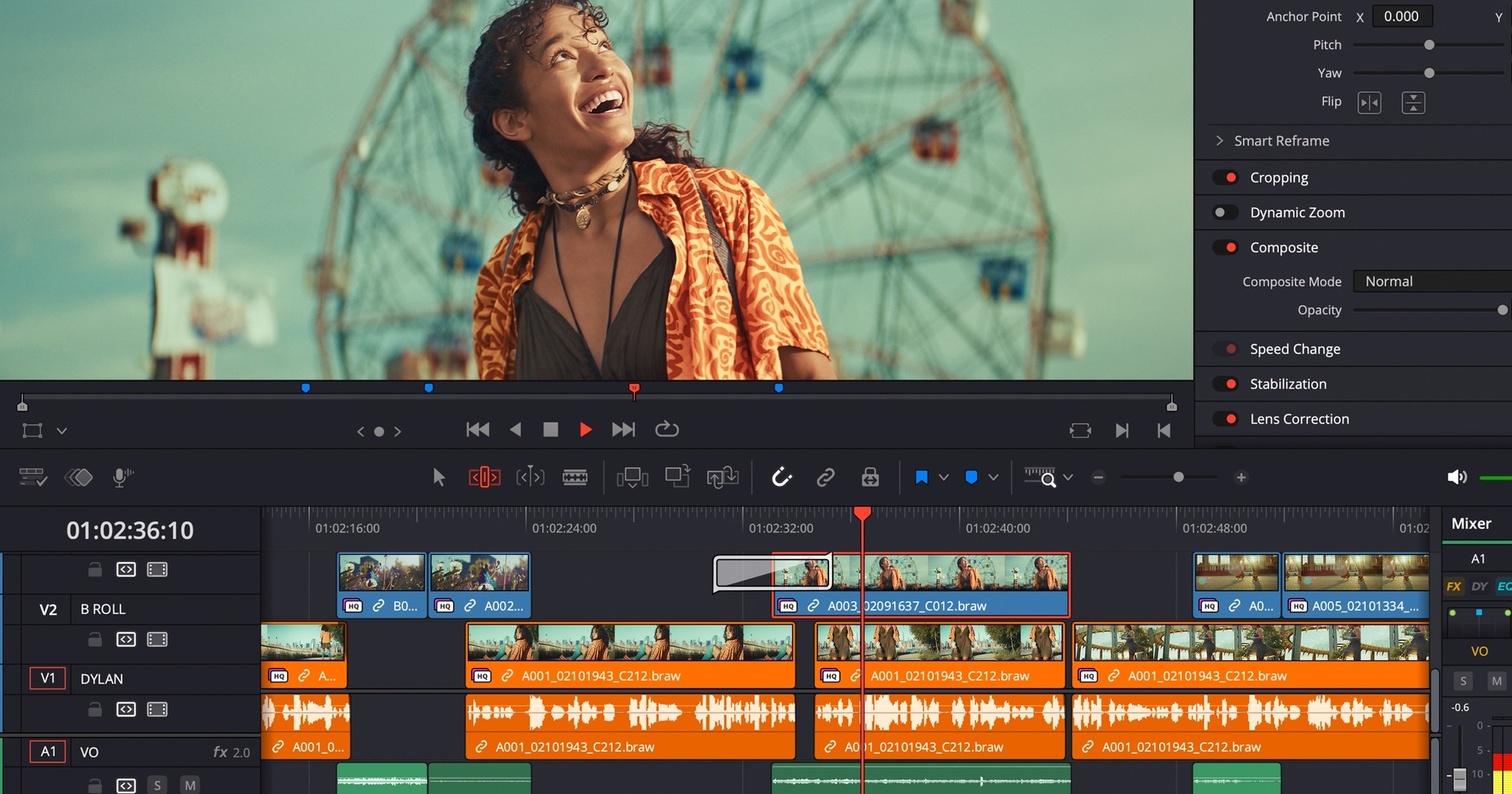
DaVinci Resolve 20.2.2 Update Focuses on Stability and Fixes for Editing, Fusion, and Fairlight | CineD
DaVinci Resolve 20.2.2 improves stability and fixes playback, audio, and Fusion issues from version 20.2.
 www.cined.com
What's new in DaVinci Resolve 20.2.2
The following features have been added or updated.- Improved Mac viewer color management for Rec.709 scene.
- Addressed intermittent jittery playback on Fairlight.
- Addressed trim edits sometimes removing linked audio.
- Addressed ripple deletes sometimes unlinking clips.
- AI IntelliScript now works with multicam clips.
- Addressed go to mouse pointer not working in the cinema viewer.
- Addressed issue with go to mouse pointer in fixed playhead mode.
- Addressed an issue renaming generators in inspector.
- Addressed issue with blade hover preview in edit timeline.
- Addressed a crash with some ripple trim operations in edit page.
- Addressed incorrect track clip counts for timeline subclips.
- Apply grade from clip now honors node stack grade preference.
- Addressed issue editing Fusion spline ease in values.
- Addressed issue when loading some USD texture paths.
- Addressed viewing named layers from Renderer3D in Fusion.
- Addressed net rendering of some Swizzler comps.
- Addressed issues with audio stuttering on some mp3 files.
- Addressed Fairlight viewer in out controls hidden at certain widths.
- Addressed issue with R3D artefacts when using motion blend.
- Addressed EXR to ProRes transcodes losing immersive metadata.
- Scripting API support to set media location on project creation.
- Scripting API support to query and apply Fairlight presets.
- Addressed issues querying some render formats from scripts.
- Right click on media metadata to copy file metadata values.
- General performance and stability improvements.
- 26 March 2008
- 6,041

Today we announced DaVinci Resolve 20.3, which adds support for importing, editing and exporting video files at up to 32K resolution on Apple M5 Macs. This allows you to work with video from the Blackmagic URSA Cine 17K 65 camera, creating content for large format displays, high resolution VR or immersive projects and those with extensive visual effects.
Timeline backup management has also been refined, with the ability to create custom names for versioning. You can now keep a single timeline in your media pool while still generating clearly labelled backup versions, making earlier revisions easier to locate when needed.
When editing, there are a number of improvements, including the ability to add a custom sized gap at the playhead and access to a better subtitle context menu for faster cut, copy, paste and delete actions, as well as being able to adjust clip colors more easily. DaVinci Resolve also now remembers your source timeline selection and delivers more accurate match frame results for clips with negative speeds.
With a number of improvements to DaVinci Resolve’s metadata features, you can now add metadata fields as media pool bin columns, import and export custom metadata fields, import ALE (Avid Log Exchange) media files and more, making it faster to organise, search and manage media across large projects.
For DaVinci Resolve for iPad users, background rendering is now available on iPad OS 26. That means you can now start a render and then switch to another app so you can continue working on other tasks while your export continues in the background.
DaVinci Resolve 20.3 Update is available now as a free download from http://bmd.link/bhvx9u
Last edited:
- 26 March 2008
- 6,041
Today we announced DaVinci Resolve 20.3.2, which adds a new trim editor option that lets you keep dynamic trim enabled while working on the edit page. This allows you to perform fast, precise ripple and rolling edits using JKL playback controls while the timeline is playing, without needing to repeatedly toggle the setting.
Subtitle kerning has also been improved to deliver more consistent spacing across titles and subtitles, reducing the need for manual adjustments and creating a more professional overall look for your typography.
For DaVinci Resolve Studio users, magic mask caching is now preserved when pasting attributes between nodes, saving processing time by avoiding unnecessary reanalysis. There are also multiple workflow improvements for immersive and stereo 3D projects, including more accurate handling of lens metadata when clips are disabled on higher tracks, as well as consistent behaviour when rendering marked ranges in a timeline and improved proxy workflows for stereo and immersive clips.
This update also adds new colorspace and gamma options for Fujifilm camera footage, as well as support for Dolby personalized headphone profiles for more accurate binaural monitoring in Fairlight.
DaVinci Resolve 20.3.2 update is available now as a free download from http://bmd.link/JFi7qg.
Attachments
Kosh
AVClub Fanatic
Βγαινει σε λιγο το Davinci 21.
Ακουγεται οτι θαναι πολυ διαφορετικο με αρκετα νεα features ακομα και AI deaging.....
fasten your seabelt Dorothy...
Ακουγεται οτι θαναι πολυ διαφορετικο με αρκετα νεα features ακομα και AI deaging.....
fasten your seabelt Dorothy...
speedman_27
Supreme Member
δεν θα βγαλουν κατι πριν το 21?Βγαινει σε λιγο το Davinci 21.
Ακουγεται οτι θαναι πολυ διαφορετικο με αρκετα νεα features ακομα και AI deaging.....
fasten your seabelt Dorothy...
Kosh
AVClub Fanatic
Πρεπει ναναι τοσο μεγαλες οι δομικες αλλαγες που πηγαν κατευθειαν στο 21 μαλλον
Kosh
AVClub Fanatic
Βγαινει σε λιγο το Davinci 21.
Ακουγεται οτι θαναι πολυ διαφορετικο με αρκετα νεα features ακομα και AI deaging.....
fasten your seabelt Dorothy...

- 26 March 2008
- 6,041
What's new in DaVinci Resolve 21
The following features have been added or updated.
Photo Page
The following features have been added or updated.
Photo Page
- New photo image editing now fully integrated within DaVinci Resolve.
- Image library with tagging, favorites, ratings and album collections.
- Albums let you build, manage and tweak photos at source resolution.
- Native RAW support for major camera formats.
- Import media from Apple Photos on macOS.
- Import Lightroom Catalog files into the media pool.
- Use Resolve multi-user collaboration and Blackmagic Cloud syncing.
- Support for DaVinci color control toolset and grading panels.
- Looks, LUTs, ResolveFX and OpenFX for your images.
- GPU accelerated batch exports and conversions.
- Keyframing provides powerful retime controls with 4-point bezier.
- Keyframe and add curves for multiple selected clips.
- Keyframing ease options, loop, ping pong, reverse and stretch.
- Keyframe Fusion effects, generators and text along with edit effects.
- Subframe support for keyframing and markers.
- Native support for OGraf HTML graphics.
- Native support for Lottie animations.
- Resolve FX Picture in Picture effect.
- Font browser window for text and subtitle elements.
- Preview fonts during font selection as a preference.
- Spell checking for all text elements.
- Emoji and color fonts for Text+ and MultiText.
- Multicam angle previews in clean feed and video outputs.
- Multicams can include all audio tracks for each angle.
- Multicams can use full clip extents on creation and during sync.
- Replay control to limit view to the last 5 minutes of recorded media.
- Replay editor allows timeline selection from search dial.
- Replay now allows independent start and end stingers.
- Replay title palette allows up to 6 favorite titles.
- Mono audio now plays on left and right channels of stereo tracks.
- Improved waveforms, markers and fades for short edit tracks.
- Source timelines support auto track selectors.
- DRT timeline import supports link and conform options.
- Compare timelines with timeline backup snapshots.
- Subtitle inspector now supports search and replace.
- Edit page lets you show or hide tracks from the index.
- Support for editing EDL clip name in the edit index.
- Affinity .af file support with group and individual layer control.
- Edit page timecode options for frames, subframes or audio samples.
- Duration timecode option to show duration for clip selection.
- Improved timeline view options with presets and clip name option.
- View remote color versions in the source viewer.
- Local color grade versions use remote grades on new clip creation.
- Timeline menu action to select transitions in the cut and edit page.
- Paste and remove attributes for clip color, markers and flags.
- Paste and remove attributes to retain image position under crop.
- Switch audio channels for multi-clip selections via the context menu.
- Edit page source tape includes multicam clips.
- Match frame finds source media for nested clips and multicams.
- Resolve FX Video Collage with separate tile fill and border controls.
- Subtitle support for fade in and out.
- Support for tabbed layouts.
- Thumbnail, list and metadata views can be set for each bin.
- Star rating support for clips.
- Cut page supports smart bin views.
- Export media bin thumbnails as a PDF.
- Automatic smart bin and clip filter for offline clips.
- Custom metadata for smart bins, filters, data burn and naming tags.
- Customize your project poster frames.
- Show input colorspace and gamma in metadata view.
- Transcription column support in list view.
- Custom keyboard shortcuts to set thumbnail, list or metadata views.
- Ability to reset audio clip attributes to the original configuration.
- Clip groups now support grade versions.
- Node graphs can now be viewed as a layer list.
- Node stacks now support up to 8 layers.
- Customizable HDR and nit scopes ranges.
- ACES AMF improvements, with transform name and custom folders.
- Adobe RGB colorspace and gamma support.
- OpenFX 1.5 color management APIs for colorspace aware effects.
- Advanced panel controls for 2.39 and 2.4 safe area aspect ratios.
- Multi-user projects can bypass color management on the color page.
- Pasting tracking data between power windows retains original shape.
- Folder tracks allow a group of tracks to be folded down or expanded.
- Go to mouse pointer support using the C key.
- Support for Krokodove motion graphics effects.
- Over 100 new motion graphics effects and tools.
- New Macro Editor with inspector view and publishing to edit effects.
- Fusion animation can be creatively driven by Fairlight audio.
- Native support for OGraf HTML graphics.
- Native support for Lottie animations.
- Text+ and MultiText support spell checking.
- Font improvements include emoji, color fonts and more.
- Improved MultiText for position, pivot, alignment and CSV import.
- Support for USD SDK 25.11 with Hydra 2.0 API for Storm renderer.
- USD support for 3D matte objects and textures.
- Support for USD Texture Projector and Catcher.
- Global in-out controls for USD Loader.
- Native support for creating Relief Maps.
- Change inspector properties for multi-tool selections.
- Change common inspector values in all selected multi-tool layers.
- User defined metadata variables in paths, expressions and scripts.
- Lens Distort offers checkerboard calibration and GPU acceleration.
- Guides and rulers persistence, presets and improved snapping.
- MediaIn nodes show clip name.
- Open keyframes and spline as a new window.
- Enhanced MXF growing file support for broadcast workflows.
- MXF OP1A support for MPEG2 bitrate and other encode options.
- Canon CR3 RAW decode support.
- Fujifilm RAF RAW decode support.
- Apple ProRAW decode support.
- Support for compressed ARW from Sony A7V and newer cameras.
- Improved Nikon NEF RAW decode support.
- HDR decode support for HEIC, JPEG, PNG and TIFF images.
- HEIC encode support on macOS and Windows.
- HDR encode support for HEIC, JPEG, PNG and TIFF images.
- Improved EXIF metadata support for stills formats.
- Intel QuickSync AV1 4:4:4 decode and encode support.
- Windows ARM H.265 10-bit 4:2:2 decode support.
- Per render job option to override RCM or ACES outputs.
- Powerful, expanded and flexible data burn-in window.
- Preferences and project settings can now be searched.
- Multi-user projects support dynamic project switching.
- Up to 3x faster file sync performance to Blackmagic Cloud.
- General performance and stability improvements.
Last edited:


Γιαννης Σπυρου
AVClub Fanatic
Bye bye Adobe Lightroom... For free!
Sent from my SM-F946B using Tapatalk
Sent from my SM-F946B using Tapatalk